Fotofix

How to capture your photos

The quality of what you send us sets the ceiling for the restoration. Here are the three best ways to capture your originals, ranked from best to acceptable.

Best

High-resolution scan

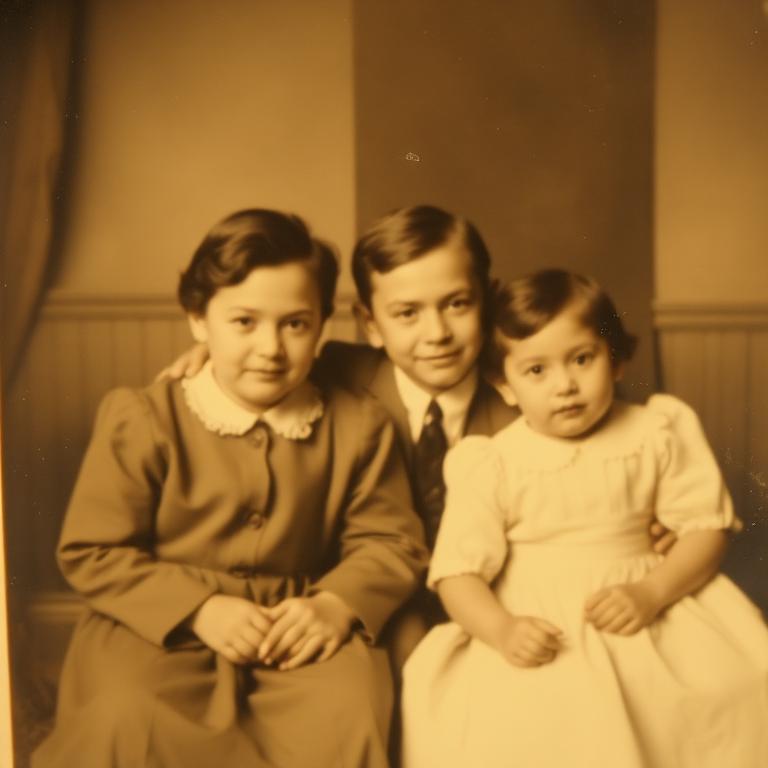
A flatbed scan captures the finest detail and gives our restorers the most to work with.
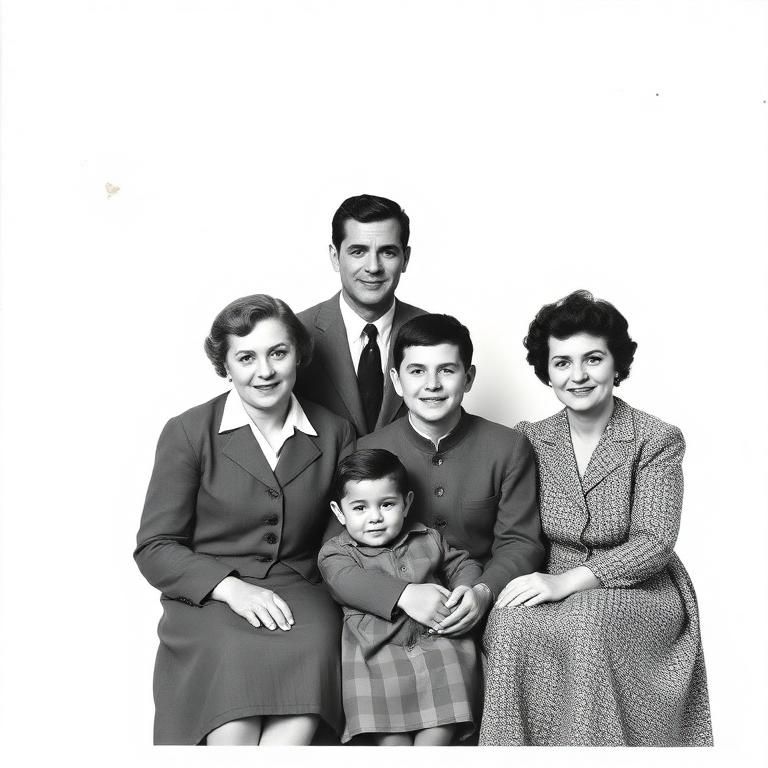
Example of a good high-resolution scan Do
Sharp, evenly lit, straight on the scanner.
Example of a poor high-resolution scan Avoid
Low DPI, soft focus and crooked alignment.
  • Scan at 600 DPI or higher.
  • Save as TIFF or maximum-quality JPEG.
  • Gently clean the glass and the photo before scanning.
Good

Well-lit photograph

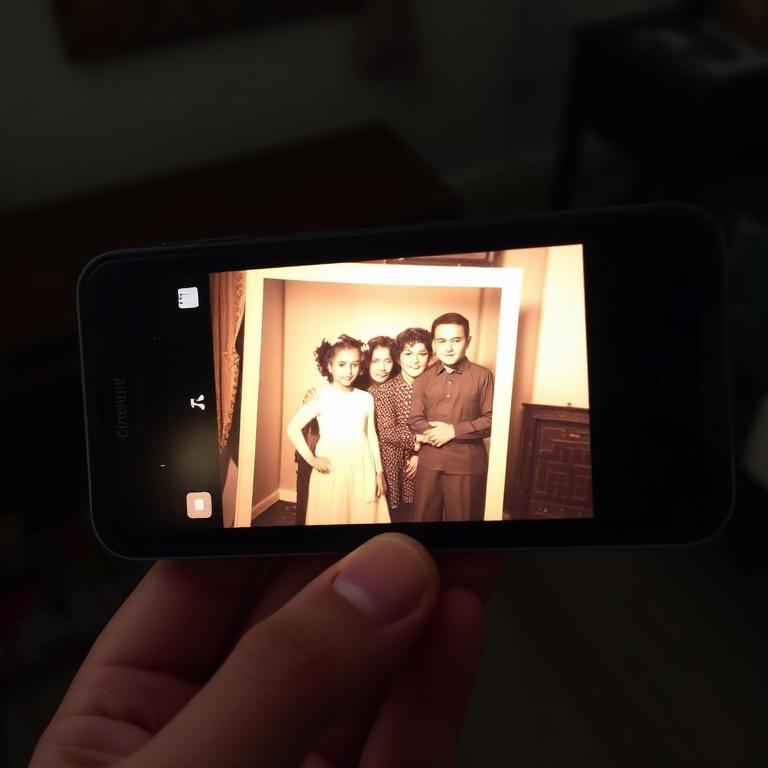
If you don't have a scanner, a careful phone photo of the original print works beautifully.
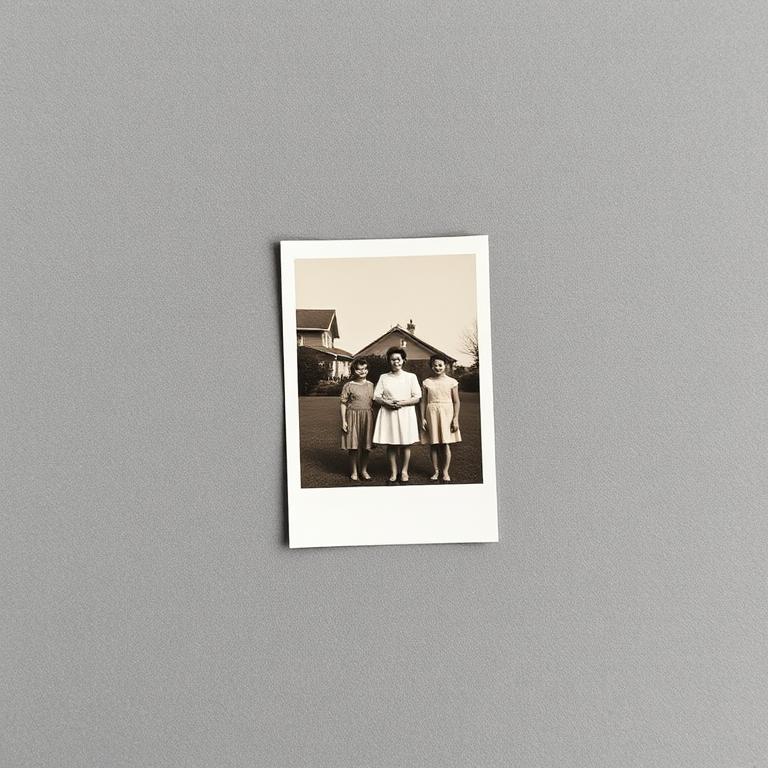
Example of a good well-lit photograph Do
Flat surface, soft daylight, straight-on angle.
Example of a poor well-lit photograph Avoid
Flash glare, blur, tilted angle, fingers in frame.
  • Lay the photo flat on a neutral, non-reflective surface.
  • Use soft, even daylight — avoid direct sun and overhead glare.
  • Hold your phone parallel to the photo, fill the frame, tap to focus.
  • Turn the flash off.
Acceptable

Photo of a screen

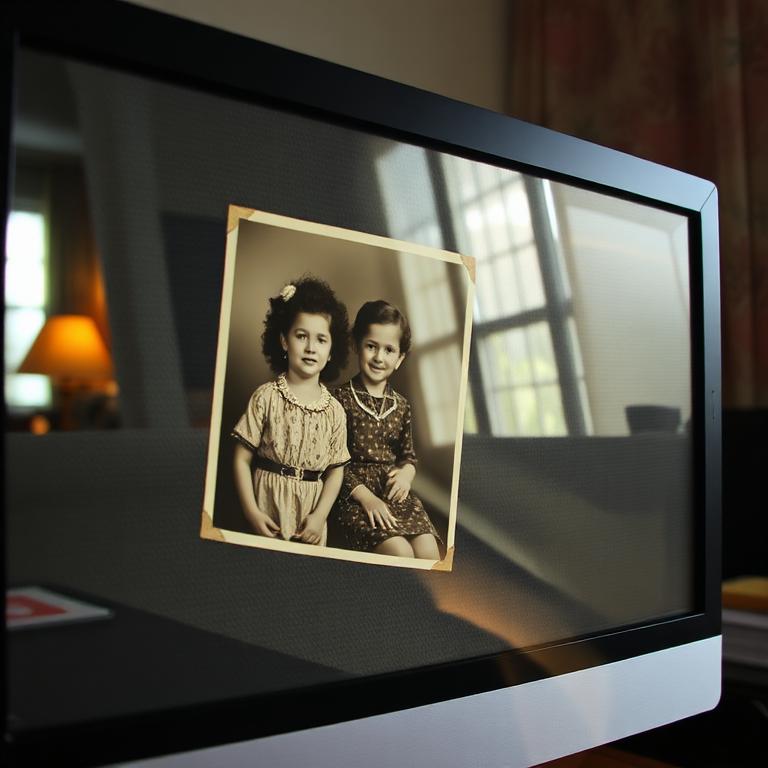
Only when the original isn't available. Expect softer detail and some colour shift.
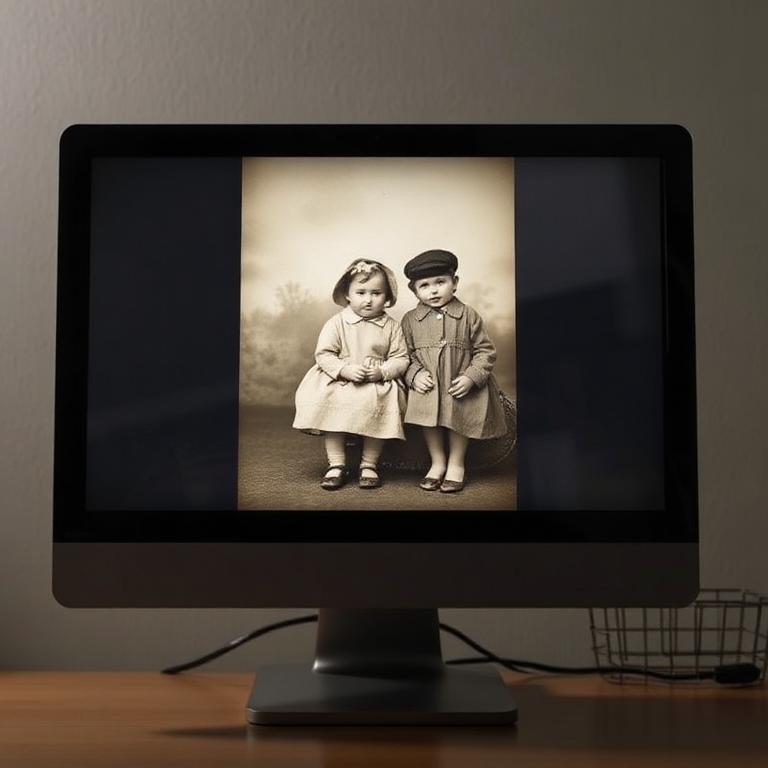
Example of a good photo of a screen Do
Straight on, dim room, no reflections.
Example of a poor photo of a screen Avoid
Angled shot, window reflections, visible moiré.
  • Display the image at full size and maximum brightness.
  • Photograph straight-on to reduce moiré and reflections.
  • Dim the room lights to cut down on screen glare.

Ready when you are

Whichever method you choose, we will do our very best with what you send.

Start your restoration